Follow these steps to start using Recital.
1

Account Creation

Contact Recital’s onboarding team at [email protected] to set up your enterprise account. Or set up a Demo to kick start a new engagement.
2

Secure Login

Access the recital platform web dashboard via any web browser.
Log in with the Recital-issued credentials.
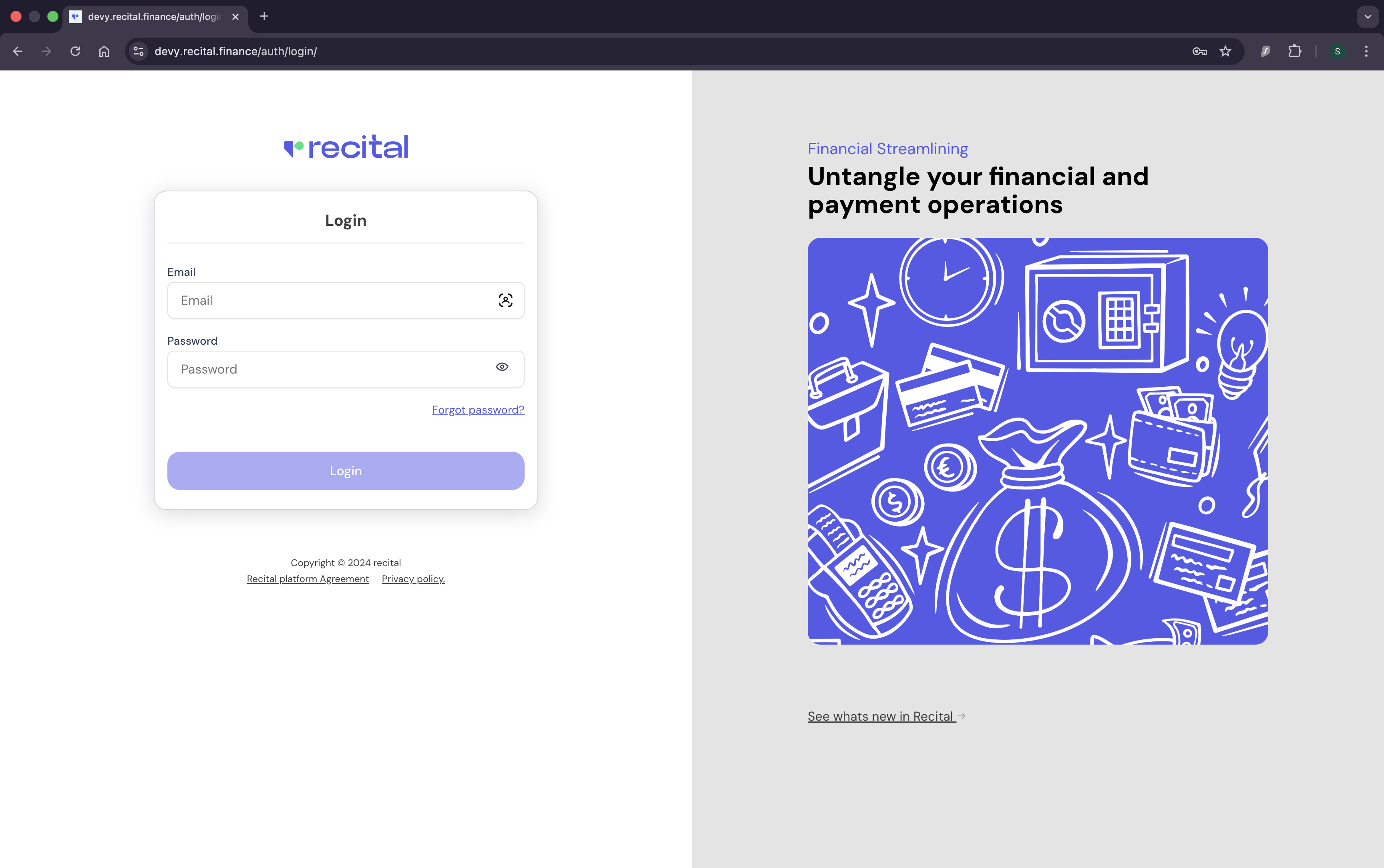
Recital Login page image
3

Add Team Members

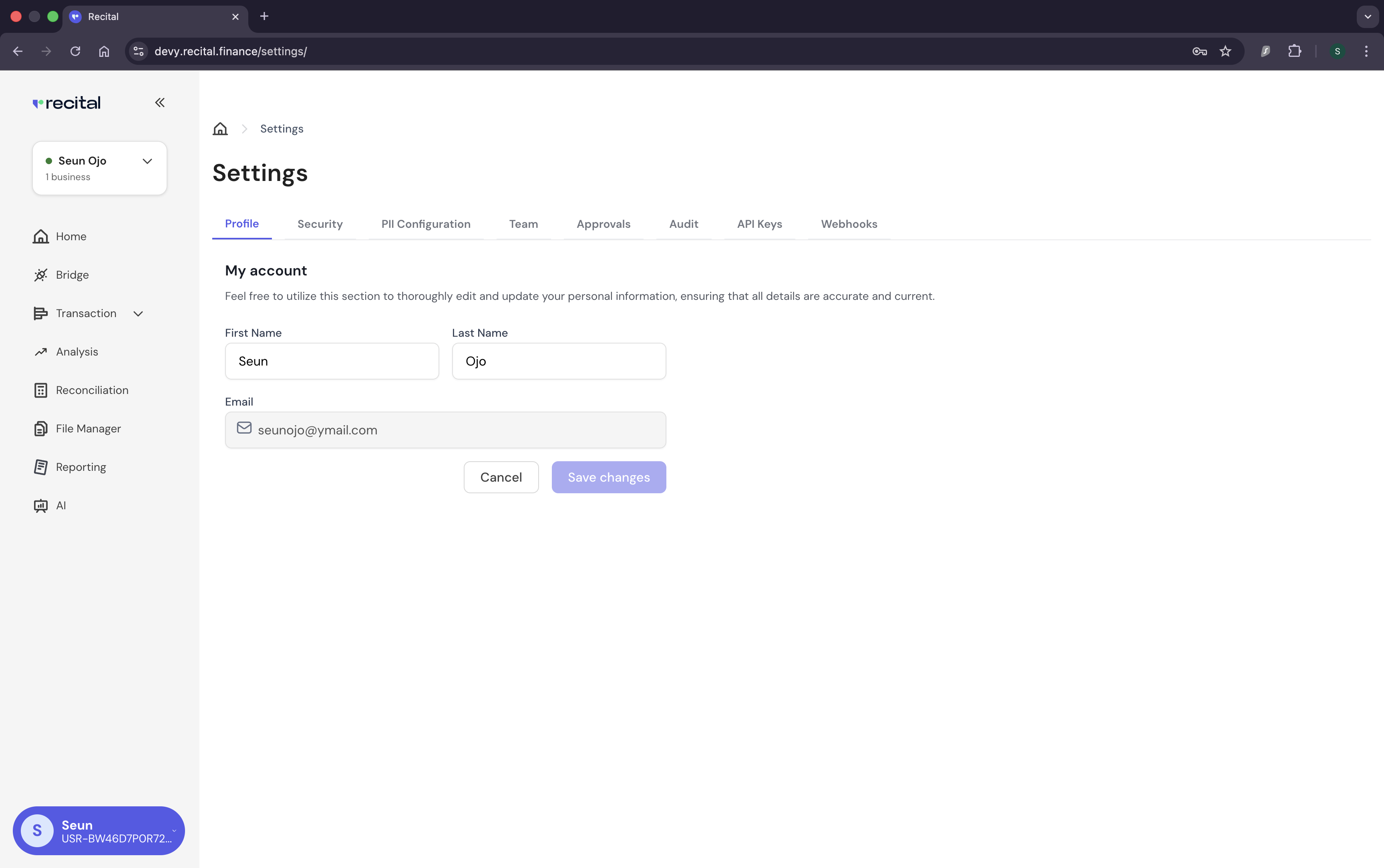
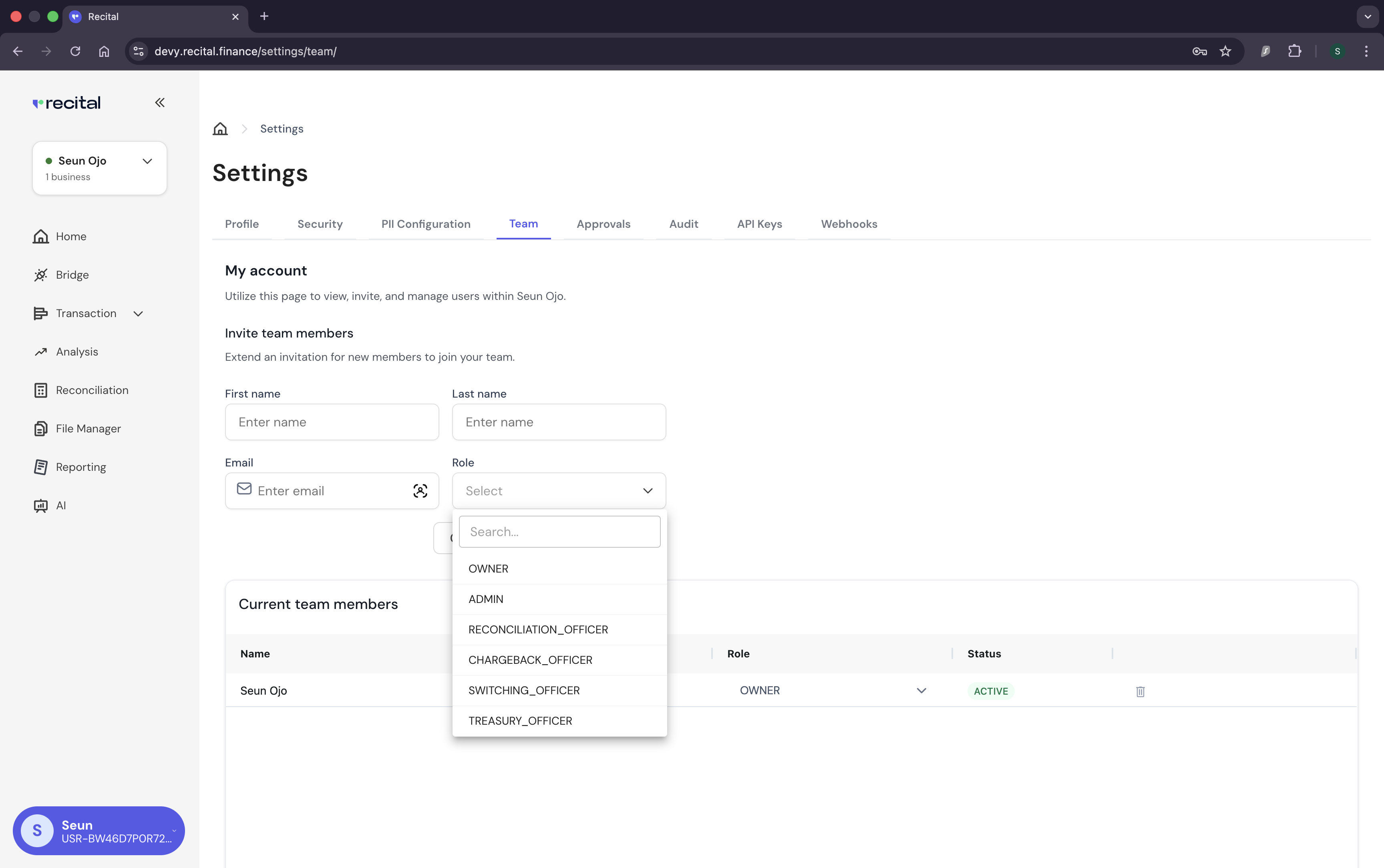
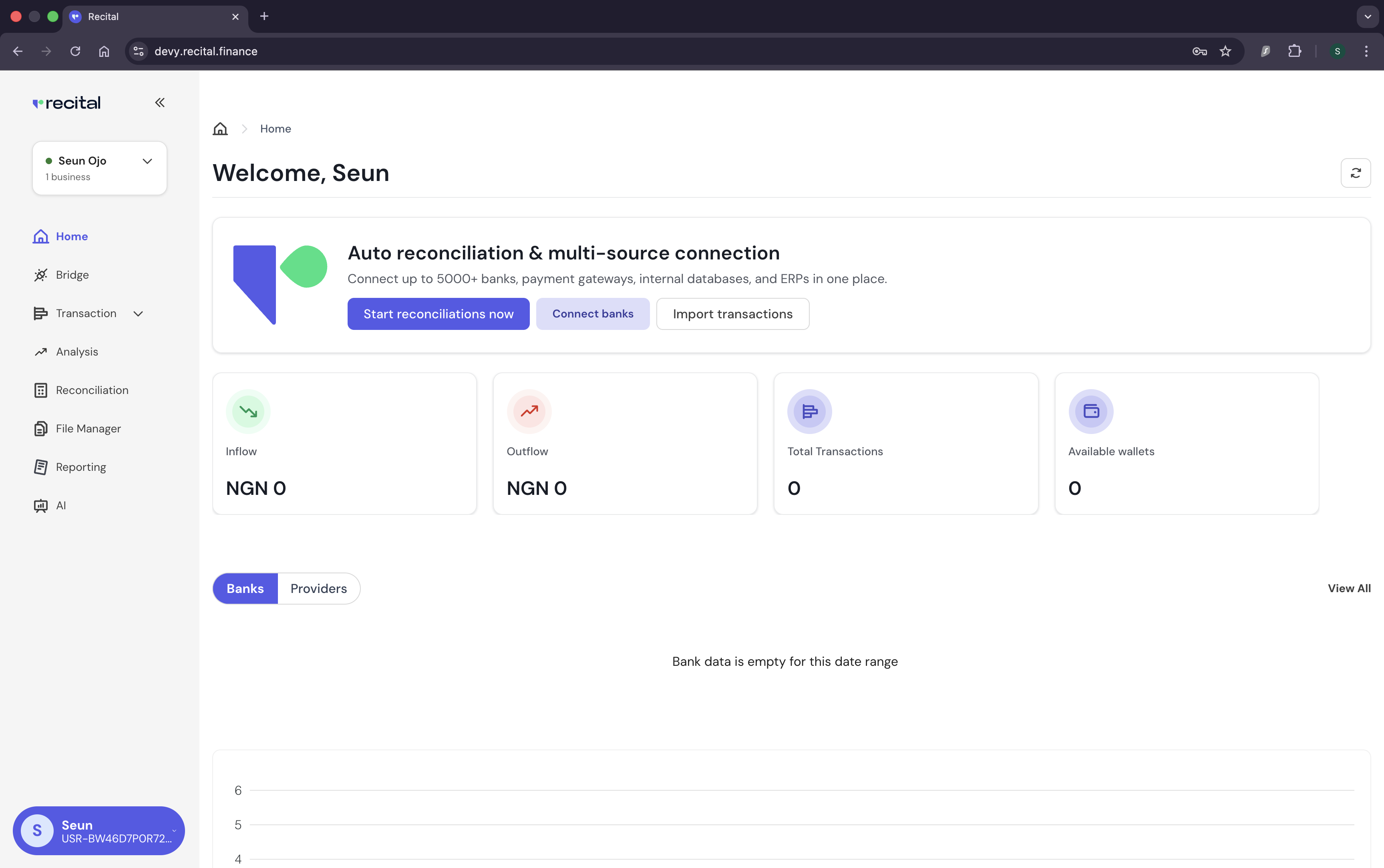
To add team members to your account, expand the left bottom button on Recital’s web dashboard home page and click on “Settings”.Recital Home Page imageNext, switch to the “Team” tab:Recital Settings Page imageFill the “Invite Team member” form, and click on “Send Invitation”.Recital Setting/Team page imageRecital supports the following roles & permission
RolePermission
OwnerFull system access control.
AdminManage users, assign roles, configure integrations, and oversee platform operations.
Reconciliation OfficerRun reconciliation processes, review exceptions, and approve resolution of mismatches.
Chargeback OfficerManage disputes, investigate chargebacks, and reconcile disputed transactions.
Switching OfficerOversee transaction switching, monitor routing, and validate settlement consistency.
Treasury OfficerTrack balances, monitor liquidity, and generate treasury reports.
Tip: Use role-based access to enforce separation of duties – a best practice for audit and compliance.

✅ You’re now ready to explore modules like Reconciliation, Transactions, Balances, and Reporting on Recital.