> ## Documentation Index
> Fetch the complete documentation index at: https://guide.recital.finance/llms.txt
> Use this file to discover all available pages before exploring further.
# User Access
> Recital provides secure, role-based access for teams
Follow these steps to start using Recital.
Contact Recital's onboarding team at [merchant@recital.com](mailto:merchant@recital.com) to set up your enterprise account. Or set up a [Demo](https://calendly.com/recitalonboarding/30min?month=2025-09) to kick start a new engagement.
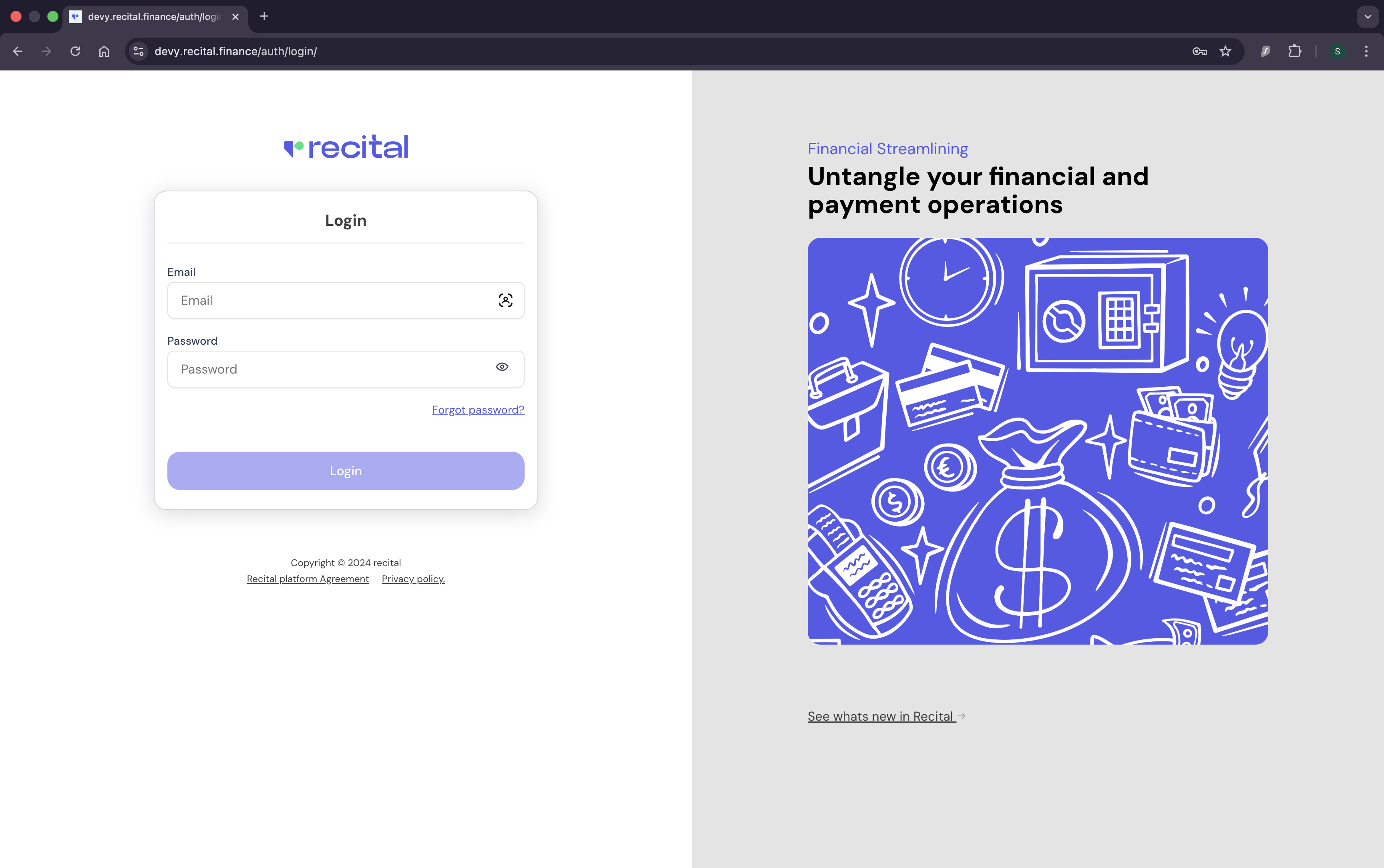
Access the recital platform [web dashboard](https://app.recital.finance/auth/login/) via any web browser.\
Log in with the Recital-issued credentials.
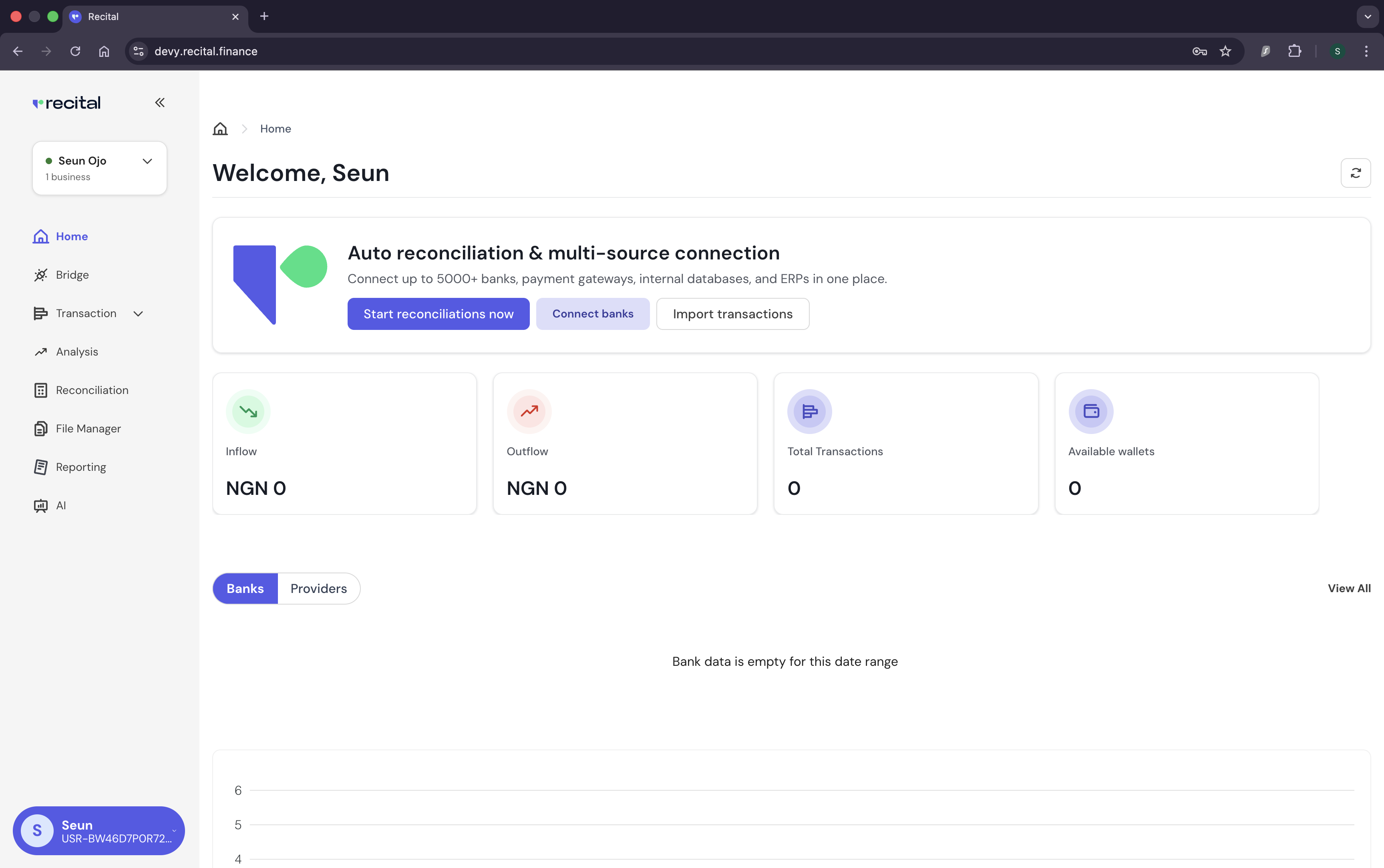
 To add team members to your account, expand the left bottom button on Recital's web dashboard home page and click on “Settings”.
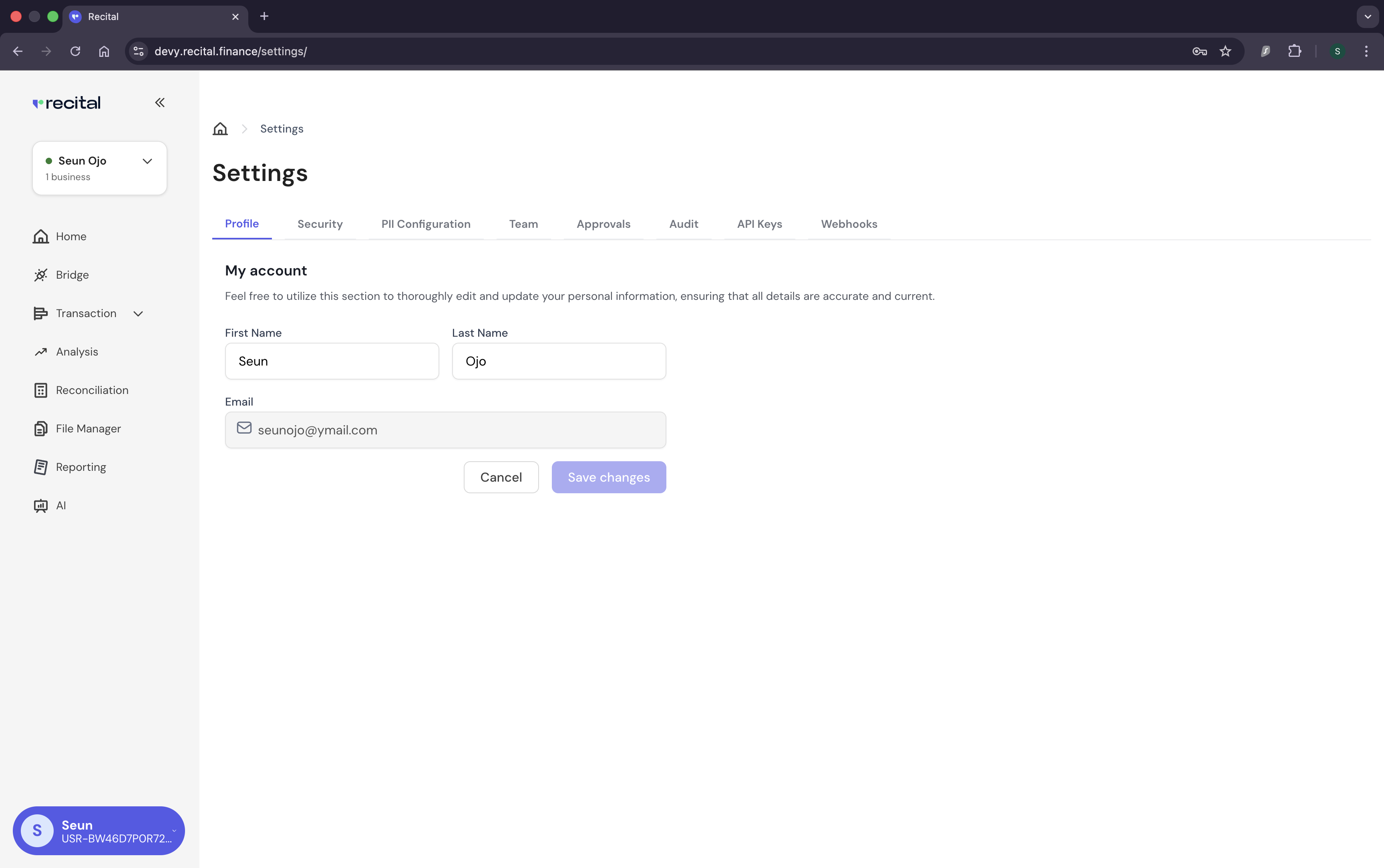
 Next, switch to the “Team” tab:
 Fill the "Invite Team member" form, and click on "Send Invitation".
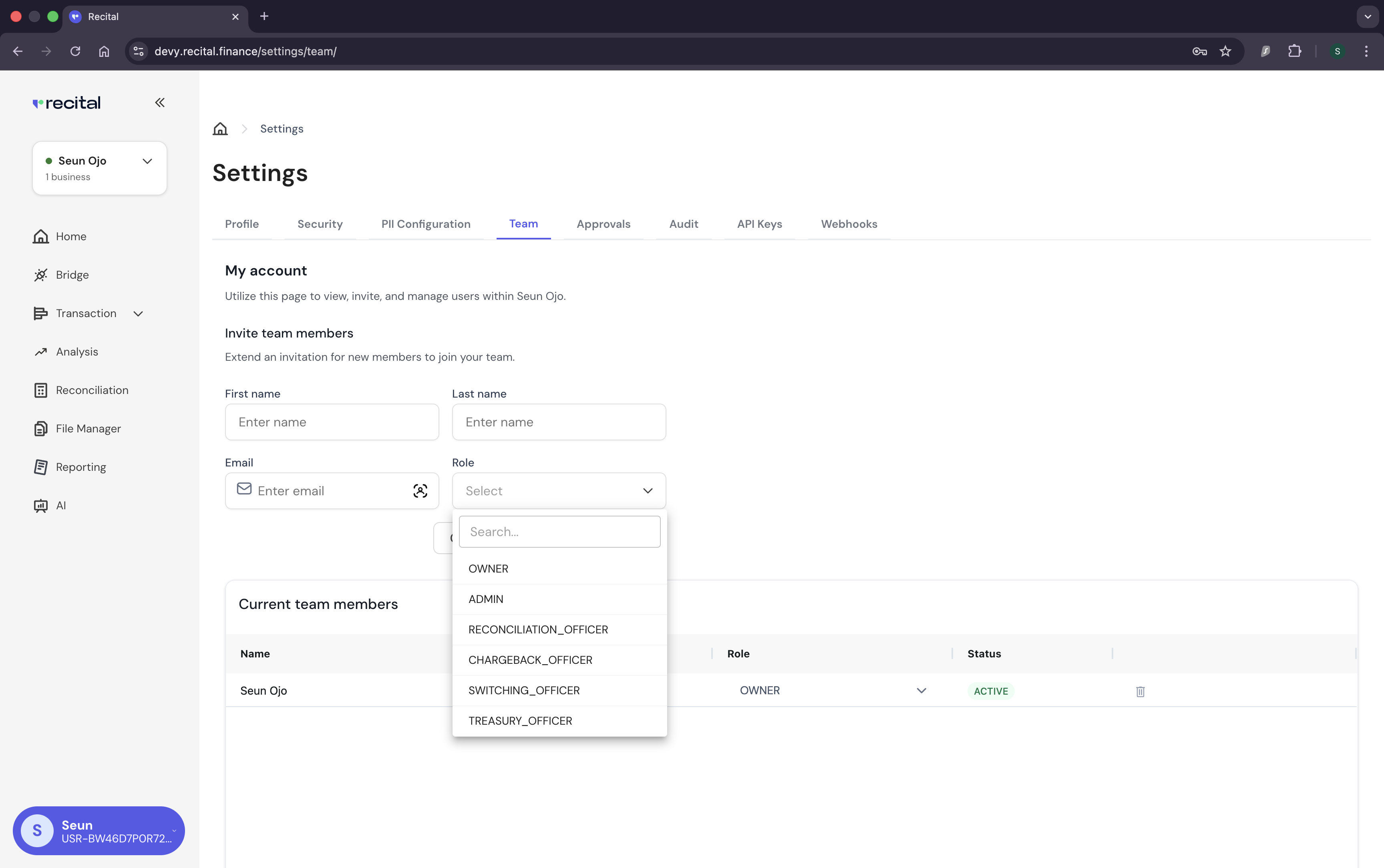 Recital supports the following roles & permission
| Role | Permission |
| :------------------------- | :------------------------------------------------------------------------------------- |
| **Owner** | Full system access control. |
| **Admin** | Manage users, assign roles, configure integrations, and oversee platform operations. |
| **Reconciliation Officer** | Run reconciliation processes, review exceptions, and approve resolution of mismatches. |
| **Chargeback Officer** | Manage disputes, investigate chargebacks, and reconcile disputed transactions. |
| **Switching Officer** | Oversee transaction switching, monitor routing, and validate settlement consistency. |
| **Treasury Officer** | Track balances, monitor liquidity, and generate treasury reports. |
Tip: Use role-based access to enforce separation of duties – a best practice for audit and compliance.
***
✅ You’re now ready to explore modules like **Reconciliation, Transactions, Balances, and Reporting** on Recital.
Recital supports the following roles & permission
| Role | Permission |
| :------------------------- | :------------------------------------------------------------------------------------- |
| **Owner** | Full system access control. |
| **Admin** | Manage users, assign roles, configure integrations, and oversee platform operations. |
| **Reconciliation Officer** | Run reconciliation processes, review exceptions, and approve resolution of mismatches. |
| **Chargeback Officer** | Manage disputes, investigate chargebacks, and reconcile disputed transactions. |
| **Switching Officer** | Oversee transaction switching, monitor routing, and validate settlement consistency. |
| **Treasury Officer** | Track balances, monitor liquidity, and generate treasury reports. |
Tip: Use role-based access to enforce separation of duties – a best practice for audit and compliance.
***
✅ You’re now ready to explore modules like **Reconciliation, Transactions, Balances, and Reporting** on Recital.