> ## Documentation Index
> Fetch the complete documentation index at: https://guide.recital.finance/llms.txt
> Use this file to discover all available pages before exploring further.
# Overview
> Aggregate, monitor and use all your financial data
#### Seamless financial data connectivity
Bridge ensures seamless connectivity across your financial data ecosystem, enabling finance teams to onboard new data sources quickly, synchronize records automatically, and maintain consistency across their operations.
#### Connection Types
Bridge integrates three core data provider types:
| Connection Type | Description | Example |
| :------------------- | :---------------------------------------------------------------------------- | :---------------------------------------------------- |
| **Bank Feeds** | Direct integrations with banks for transactions and balances. | Real-time transaction pulls from Bank A. |
| **PSP/Switch Feeds** | Connections to payment service providers for settlement and transaction data. | Near-time settlement data ingestion from Flutterwave. |
| **ERP/Accounting** | Sync of financial records. | Post reconciled entries into Oracle Fusion. |
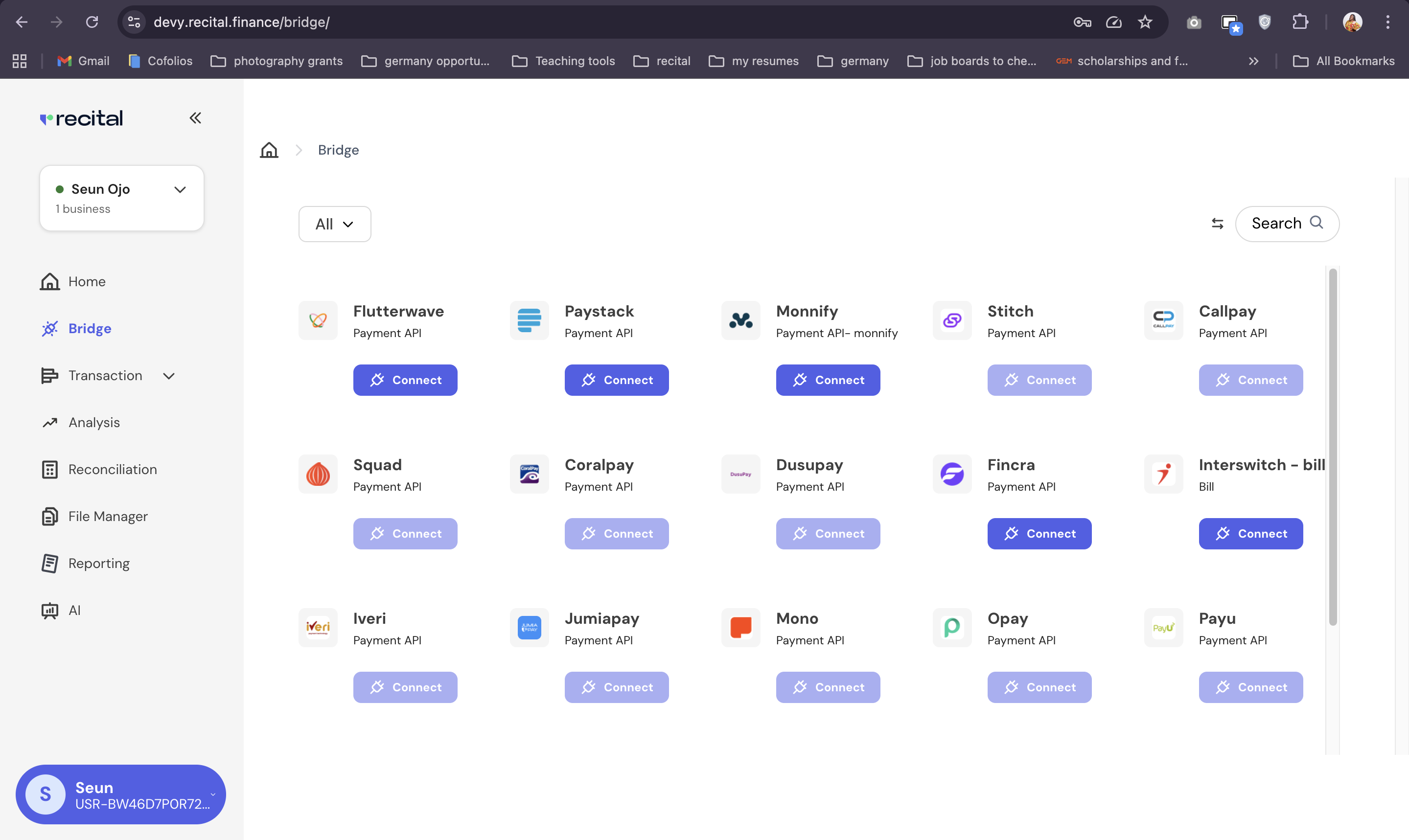 Recital's Bridge prioritizes data security and privacy. All data ingested is encrypted both in transit and at rest. **Recital is ISO 27001 and SOC 2 compliant**.
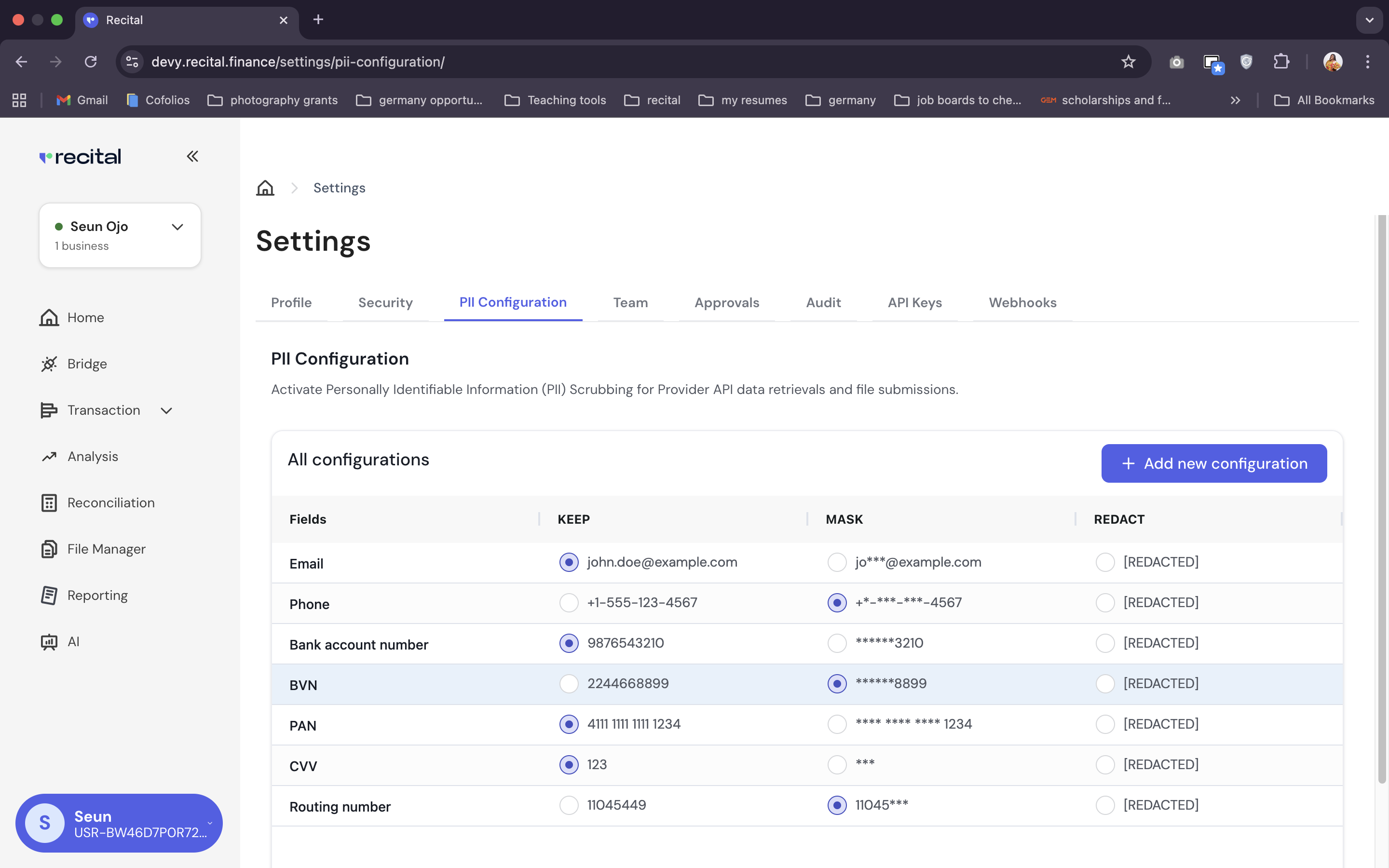
For enhanced privacy, Recital provides **fine-grained control over Personally Identifiable Information (PII)**. You can configure PII settings to meet your specific compliance needs, choosing to keep, mask, hash, or redact sensitive data fields upon ingestion.
Recital's Bridge prioritizes data security and privacy. All data ingested is encrypted both in transit and at rest. **Recital is ISO 27001 and SOC 2 compliant**.
For enhanced privacy, Recital provides **fine-grained control over Personally Identifiable Information (PII)**. You can configure PII settings to meet your specific compliance needs, choosing to keep, mask, hash, or redact sensitive data fields upon ingestion.
 To use the Bridge, you must already have a direct account with the financial data source you wish to connect to. e.g., a merchant account with Flutterwave to use the Bridge to connect to Flutterwave.